

取り込んだ画像、写真(img要素)の上に文字をのせます。写真の説明文や、リンク先の説明文などを記載します。
img要素の上に文字をのせる
画像の左上に文字を表示する
figure要素、figcaption要素、position: absolute; を使用します
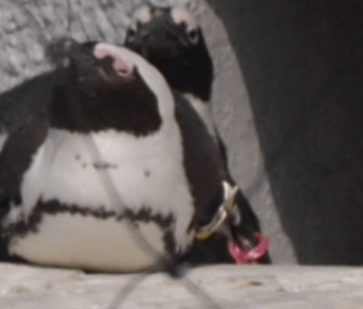
スタイルシートで記述
<figure id="fig2" style="position: relative;"><img src="01.jpg" />
  <figcaption style="position: absolute;">ペンギンです!!</figcaption>
</figure>
#fig figcaption{
  top: 5px;
  left: 5px;
  border: 1px solid #eee;
  font-size: 14px;
  color: #fff;
  background-color: #00000088;
  padding: 1px 5px;
}
画像の下に文字に表示する
figure要素、figcaption要素、position: absolute; を使用します。また、bottomからの絶対配置の場合は画像下の余白を消さなければなりません。そこで、画像の下の余白を消すためにdisplay:block;として、インライン要素であるimgをブロックレベル要素にします。
スタイルシートで記述
<figure id="fig2" style="position: relative; width:300px;">
  <img src="01.jpg" style="width:300px;">
  <figcaption style="position: absolute; width:300px;">ペンギンです!!</figcaption>
</figure>
#fig2{
  width:350px;
  margin-bottom:10px;
  padding:0px
  border:0px;
  text-align: left;
}
#fig2 img{
  padding: 0px;
  margin: 0px;
  border: 0px;
  display: block; /* 重要! */
}
#fig2 figcaption{
  width:100%;
  padding:0px;
  border: 0px;
  bottom: 0 ;
  height:50px;
  font-size: 16px;
  color: #ffffff;
  border: 1px solid #ffffff;
  background-color: #00000088;
}
もし、imgについて、display:blockとせず、インライン要素のままであった場合は、以下のようになっていしまう。
使用した要素

figure要素とfigcaption要素 コピペで使えるHTML+CSS
写真や図表などのまとまりを表すfigure要素。そしてそのキャプションを表すfigcaption要素について解説。画像上にテキストを表示する際などに用いる。
programming-cafe.com